FreshCards — All Builds
Canonical (post-chrome) + 3 standalone source builds (v0.3.0 → v0.6.0) + 3 pre-chrome snapshots. Click any card to open. Each thumbnail shows the actual UI as you'll see it.
Canonical (post-chrome)
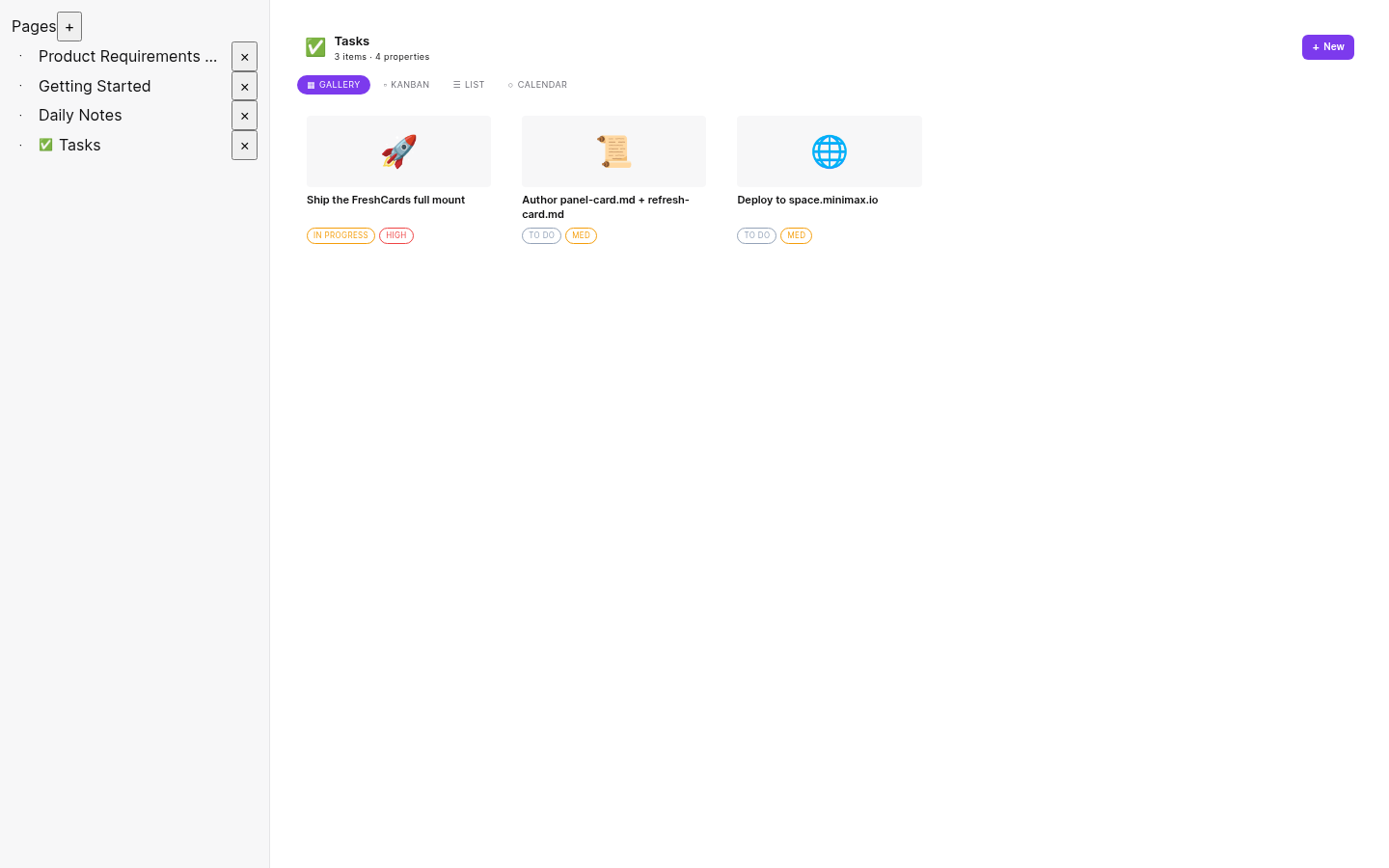
v0.11.0 canonical · perma
FreshCards standalone
Current sovereign app. BlockNote editor with full content, 4 database views (Gallery / Kanban / List / Calendar), surface model.
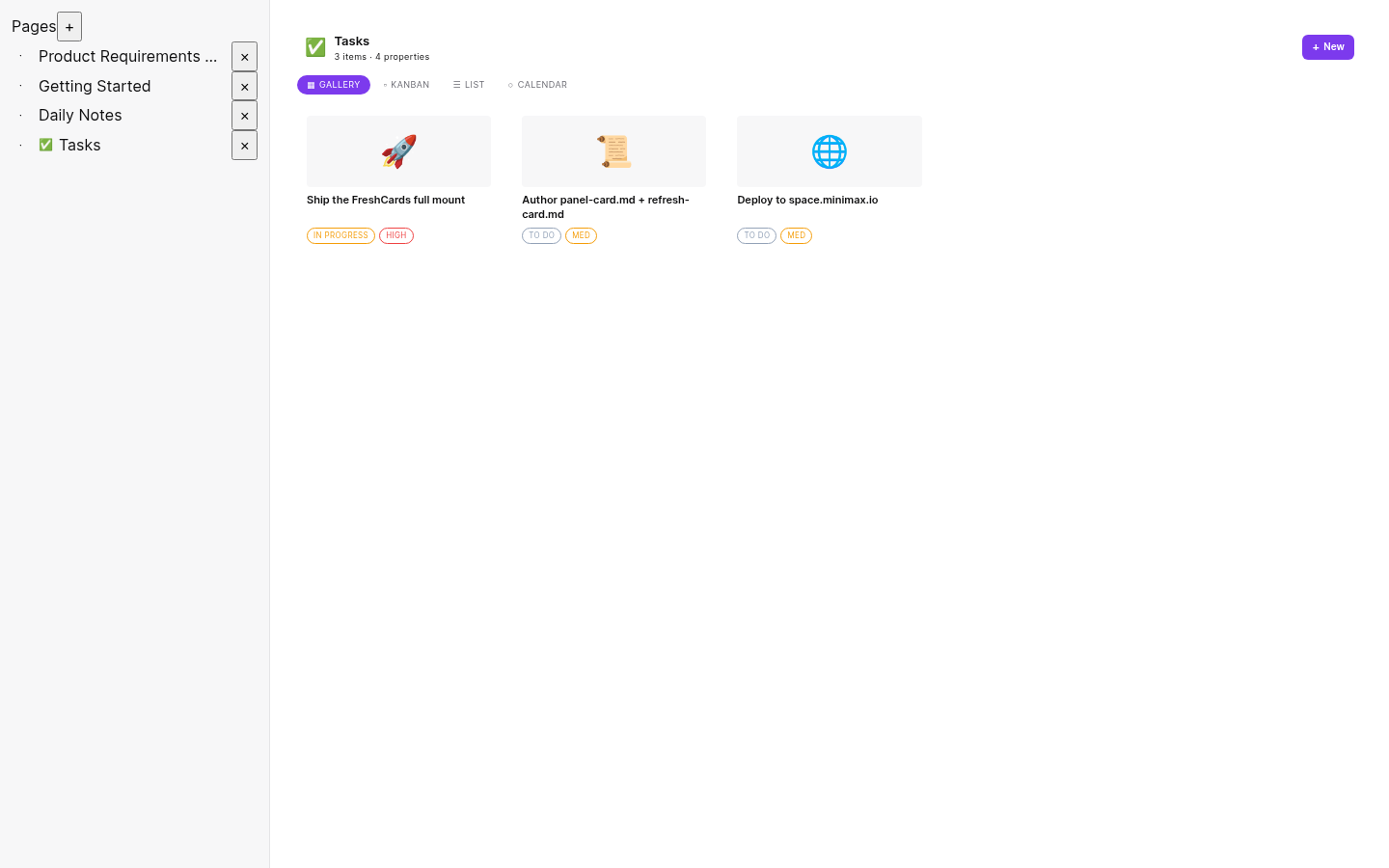
v0.11.0 mirror
Canonical — Tasks database
Same canonical, focused on the Tasks database. 3 items as Gallery cards with emoji icons + status/priority badges (the "nice SVG cards" you remember).
Standalone source builds (rebuilt from git history)
The original FreshCards standalone repo (avidtech6/FreshCards) at specific commit hashes. Each commit represents a version of the app at that point in time. Re-built today from source.
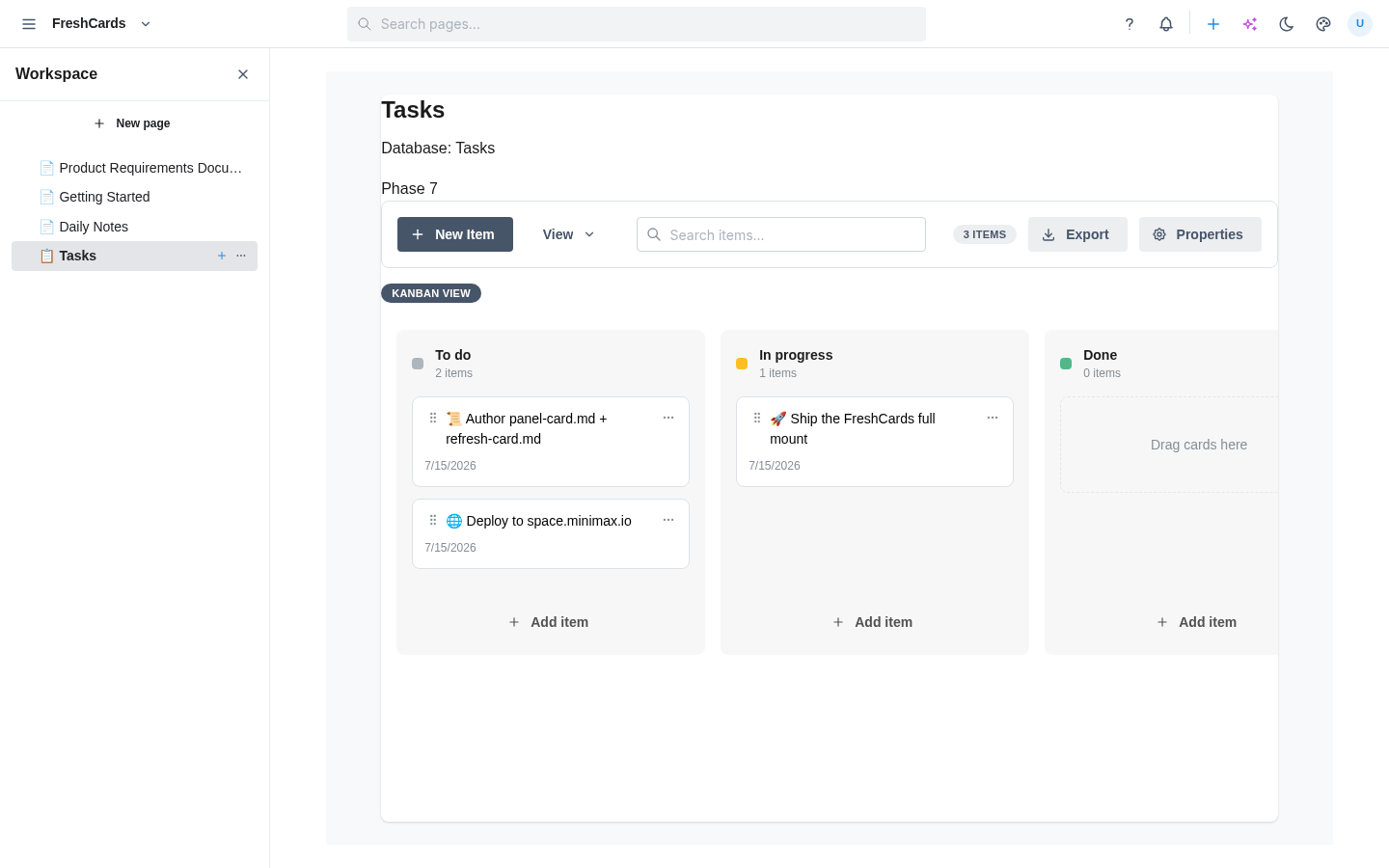
v0.6.0 commit c488e86
FreshCards v0.6.0 source
Standalone at commit c488e86. 5 primitives + dnd-kit kanban + skin picker. Has Tasks database (3 items).
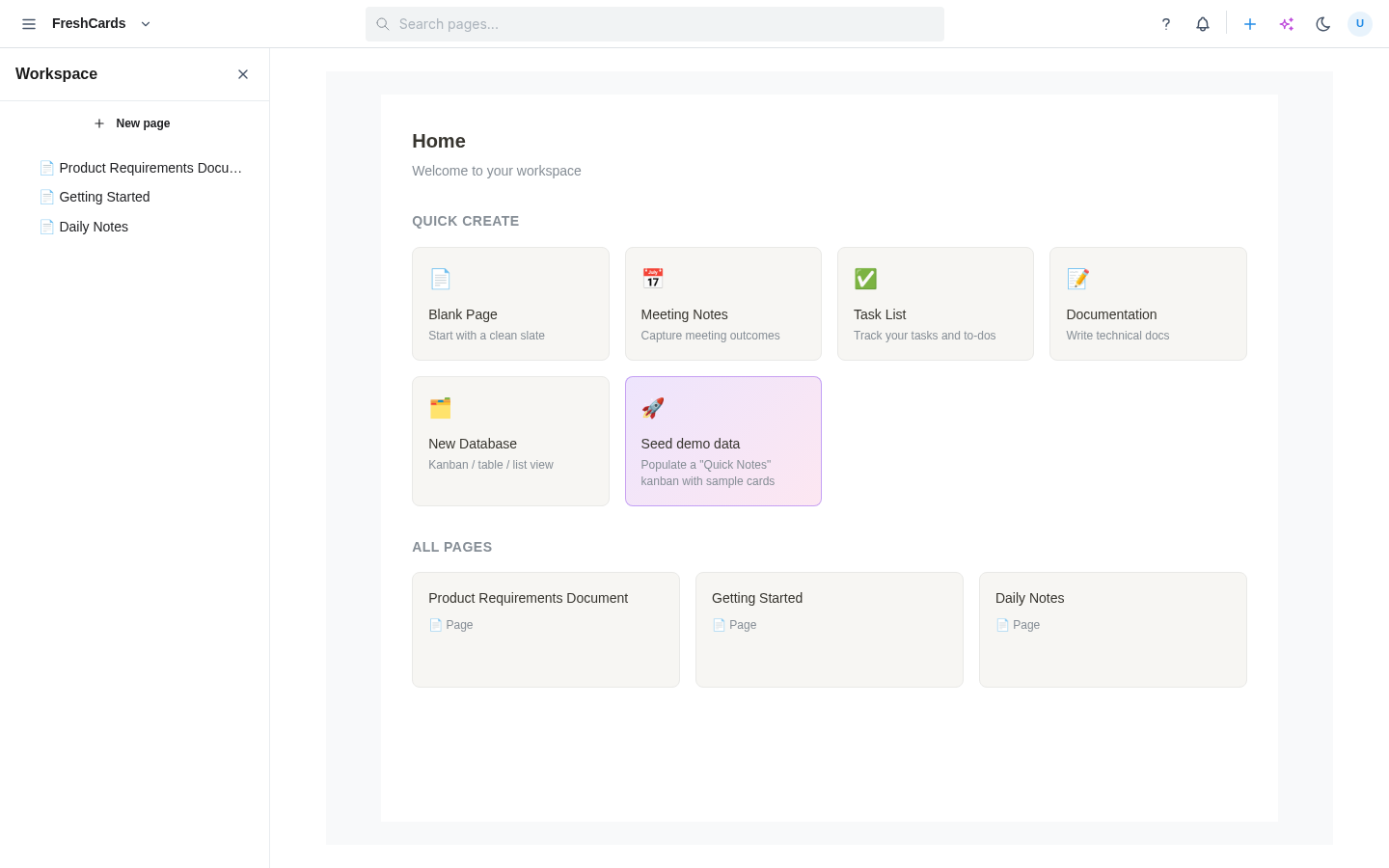
v0.5.0 commit 18289aa
FreshCards v0.5.0 source
V4 refactor + slate skin. Earlier era — pre-dnd-kit. Same Tasks database.
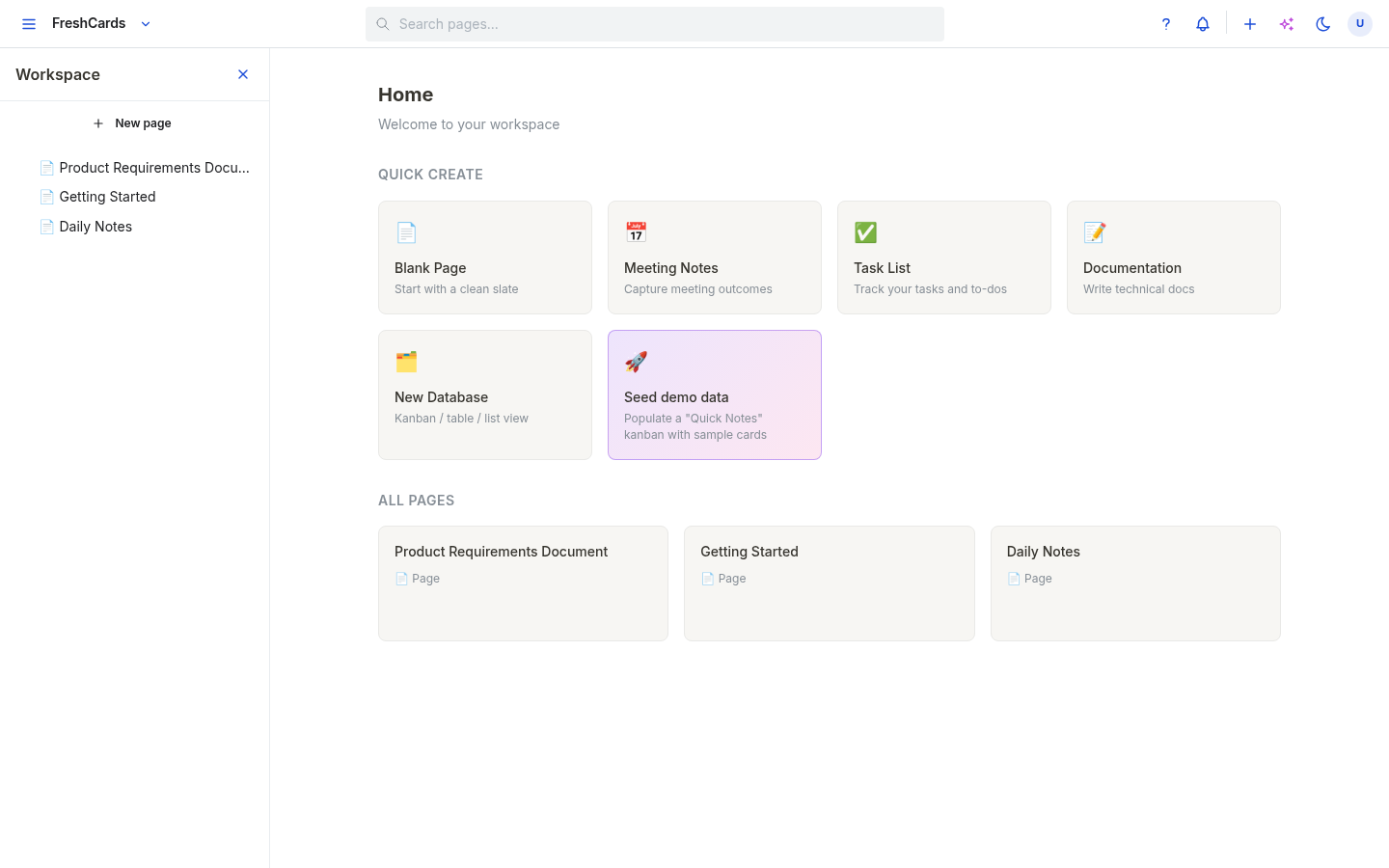
v0.3.0 commit 5527cdf
FreshCards v0.3.0 source
V4-aligned app-builder constitution. Earliest standalone source. Tasks DB.
Pre-chrome snapshots (older dists)
Three pre-built dists from before the chrome migration. The "Seed demo data" card creates a Quick Notes kanban (4 items, kanban only) — different from the canonical's Tasks database.
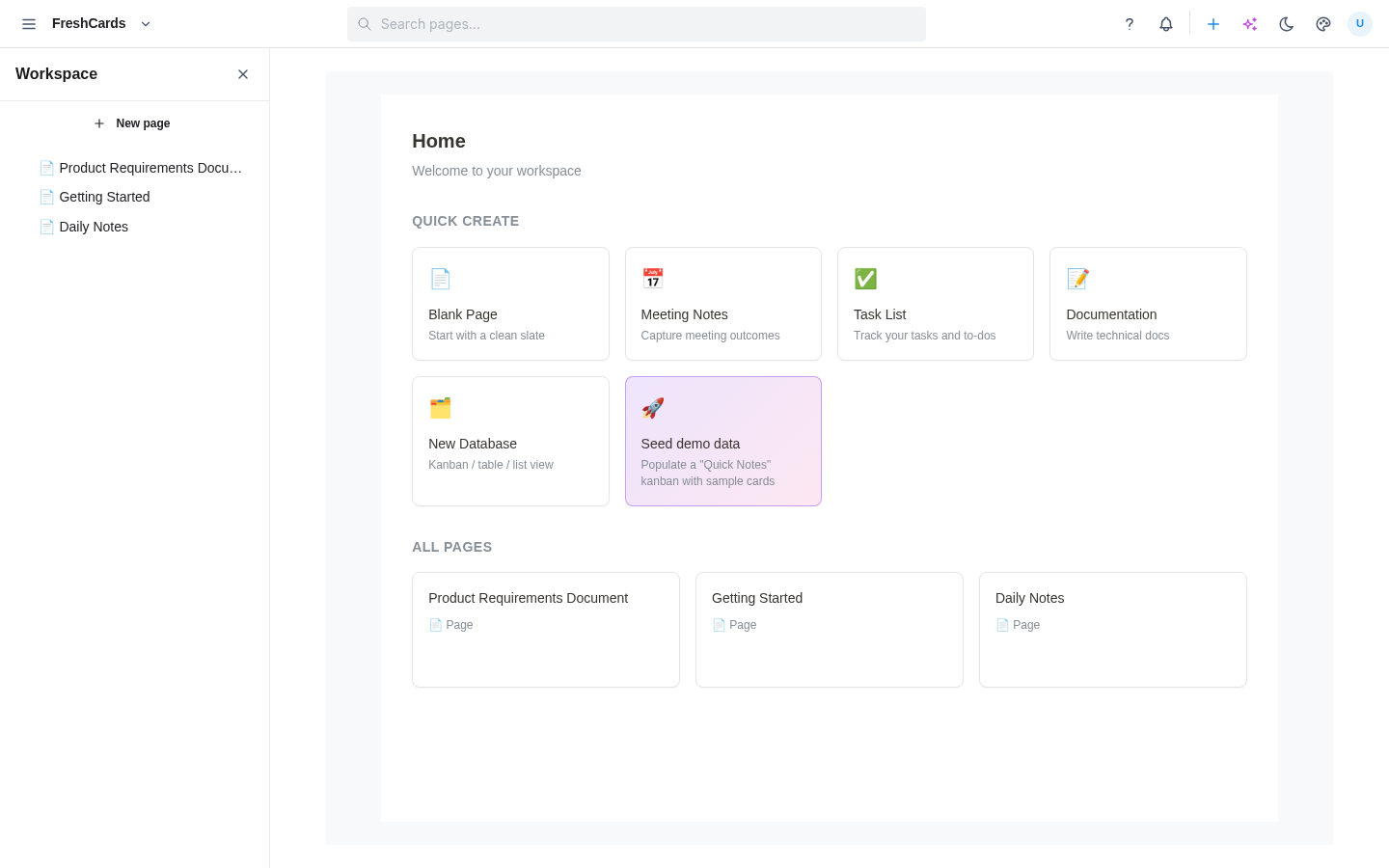
v0.6.0 pre-chrome
Pre-chrome v0.6.0
Built from the studio at b39942d. Quick Create grid + Seed demo data card.
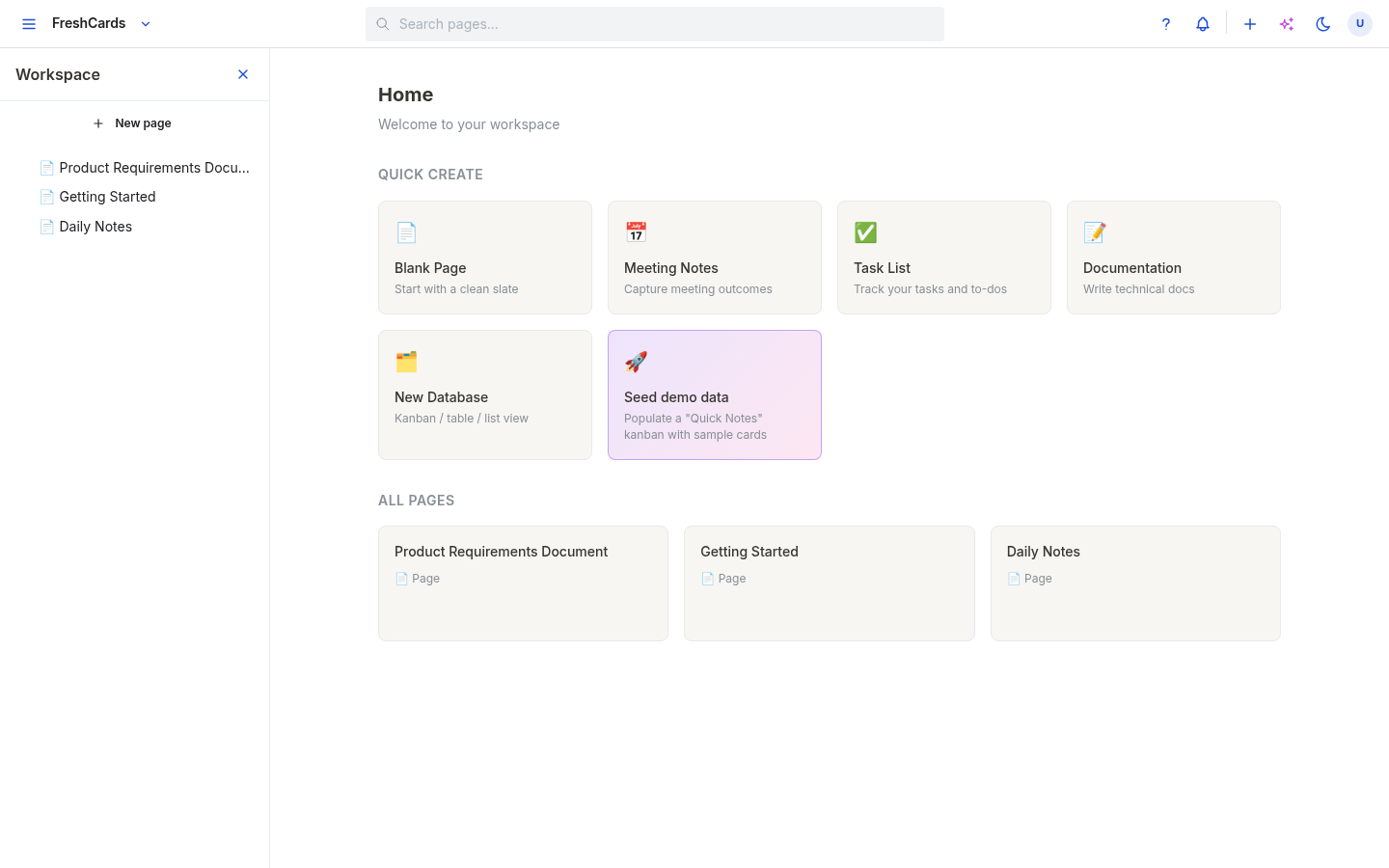
v0.3.0
Pre-chrome v0.3.0 (preview 4)
Earlier iteration. Mantine + BlockNote, older page tree layout.
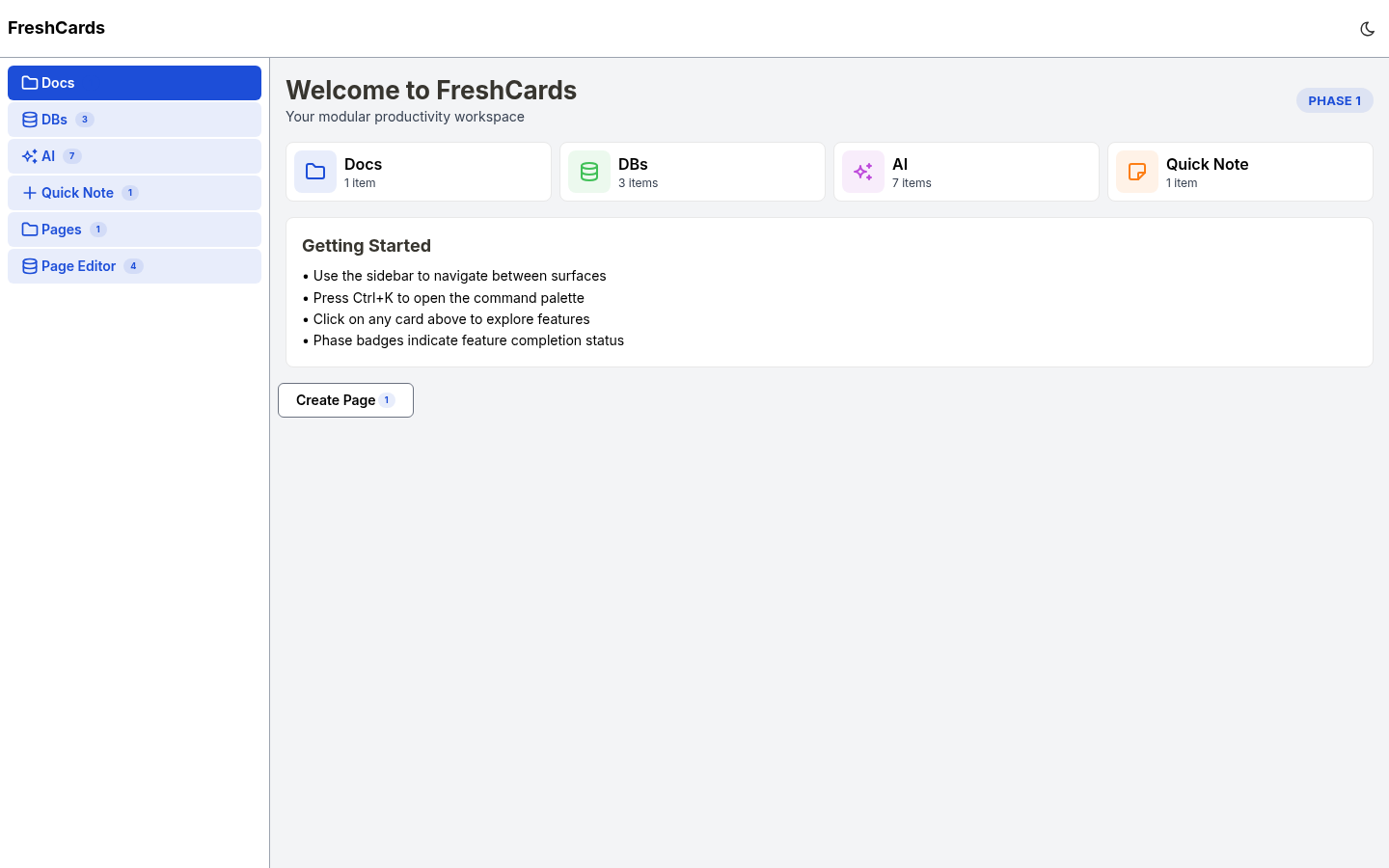
baseline
Pre-chrome baseline
Earliest pre-chrome build. Left rail with module categories.
Key differences (the "nice SVG cards" you remembered):
- Canonical Tasks database: Gallery view shows 3 items as proper cards (🚀 / 📜 / 🌐) with status badges (IN PROGRESS / TO DO) and priority badges (HIGH / MED). This is what you saw.
- Pre-chrome v0.6.0 Quick Notes: After clicking "Seed demo data", you get a kanban with 4 items (text only, no emoji / no badges).
- Standalone source builds (v0.3.0 / v0.5.0 / v0.6.0): Same data as canonical (Tasks + 3 items) but the items render as plain text rows, not the fancy card view.
How to view the seed database on pre-chrome variants
- Open a pre-chrome variant. You'll land on the Home view with a Quick Create grid.
- Click the purple 🚀 Seed demo data card in the grid. This creates a "Quick Notes" database with 4 sample items.
- In the left rail, the new 📋 Quick Notes entry appears. Click it to view the kanban.